A PDP11/70 emulator running on Linux/FreeBSD, ESP32, RPI PICO and Teensy 4.1 systems
It is capable of running UNIX 5 upto and including UNIX 7 in multi-user mode. Since recently (April 12, 2026) it can also run BSD 2.11 UNIX in multi-user mode on e.g. an ESP32 (using DZ11 serial port multiplexer emulation). Floating point emulation is missing but that'll change eventually.
Thanks a lot to Neil Webber for his help and for his python PDP emulator (which allowed me to compare disassembly of runs). Neil's emulator can be found on github.
speed
An ESP32-S3 takes about 5 minutes to boot BSD 2.11, a Teensy 4.1 around 1 minute and an Intel i5-11400H needs a second or 2.
Most things can be configured via the commandline. Run "kek -h" to see a list of commandline switches.
In the console (run kek with -d), there's on-line help available by entering "help" (+ enter). "0gt;" is the debugger-prompt.
Kek can create snapshots. That way you can restart the emulated system exactly from the point you snapshotted it. Enter "ser filename" in the console/debugger for that. Afterwards kek can be (re-)started with "kek -D filename". Note: kek must be started with the -P switch for this to work (=create disk snapshots).
It can also use a PiDP11 for the blinkenlights. For that, only run server11 on the PiDP11 and start kek with -8 ip-address-of-the-pidp11.
example session
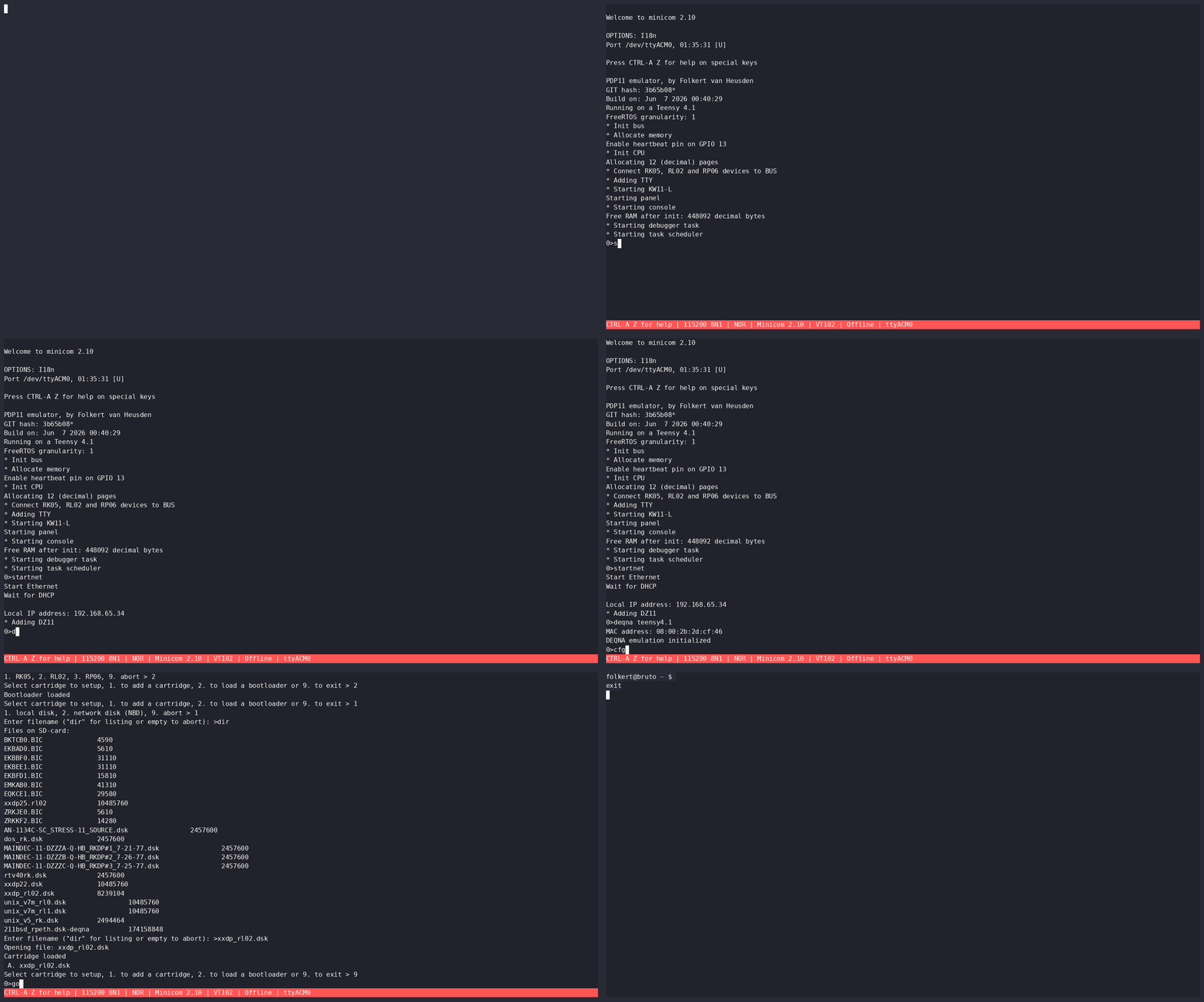
configure the host-network: cfgnet / startnet
0>startnet
Start Ethernet
Wait for DHCP

Local IP address: 192.168.65.34
* Adding DZ11
then configure the deqna emulation (deqna + backend where backend is e.g. vxlan, teensy4.1, see help)
0>deqna teensy4.1
MAC address: 08:00:2b:2d:cf:46
DEQNA emulation initialized
after that, configure a disk using cfgdisk - do not forget to load the bootloader (in the cfgdisk menu)
0>cfgdisk
1. RK05, 2. RL02, 3. RP06, 9. abort > 2
Select cartridge to setup, 1. to add a cartridge, 2. to load a bootloader or 9. to exit > 2
Bootloader loaded
Select cartridge to setup, 1. to add a cartridge, 2. to load a bootloader or 9. to exit > 1
1. local disk, 2. network disk (NBD), 9. abort > 1
Enter filename ("dir" for listing or empty to abort): >xxdp_rl02.dsk
Opening file: xxdp_rl02.dsk
Cartridge loaded
 A. xxdp_rl02.dsk
Select cartridge to setup, 1. to add a cartridge, 2. to load a bootloader or 9. to exit > 9
when all of that is finished, enter: go
0>go


CHMDLD0 XXDP+ DL MONITOR
BOOTED VIA UNIT 0
28K UNIBUS SYSTEM

ENTER DATE (DD-MMM-YY):
Here I run Kek on a Teensy 4.1 microcontroller:
pictures
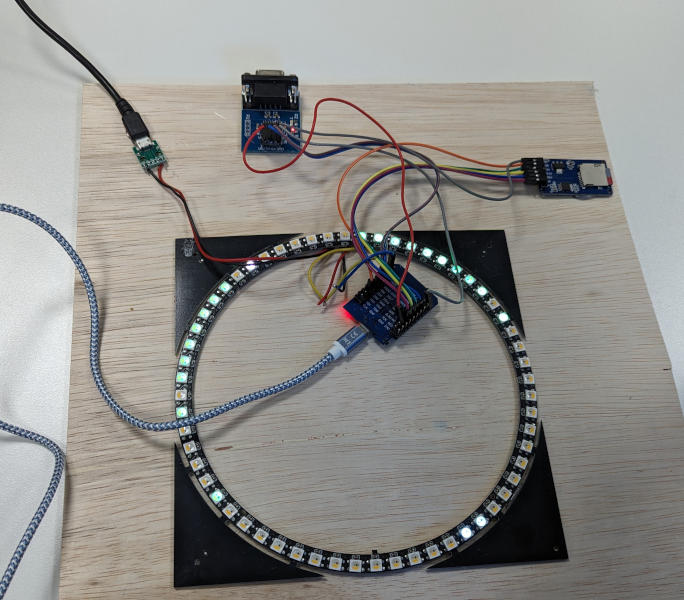
Test setup: Wemos32 with a card-reader and a serial port and a led ring (which simulates the panel):
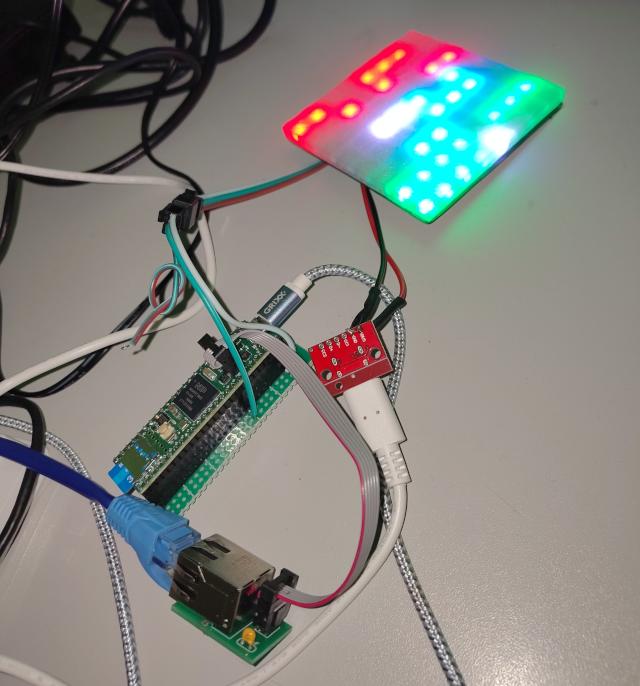
A Teensy 4.1 running Kek. The LED panel is the simulated front-panel.
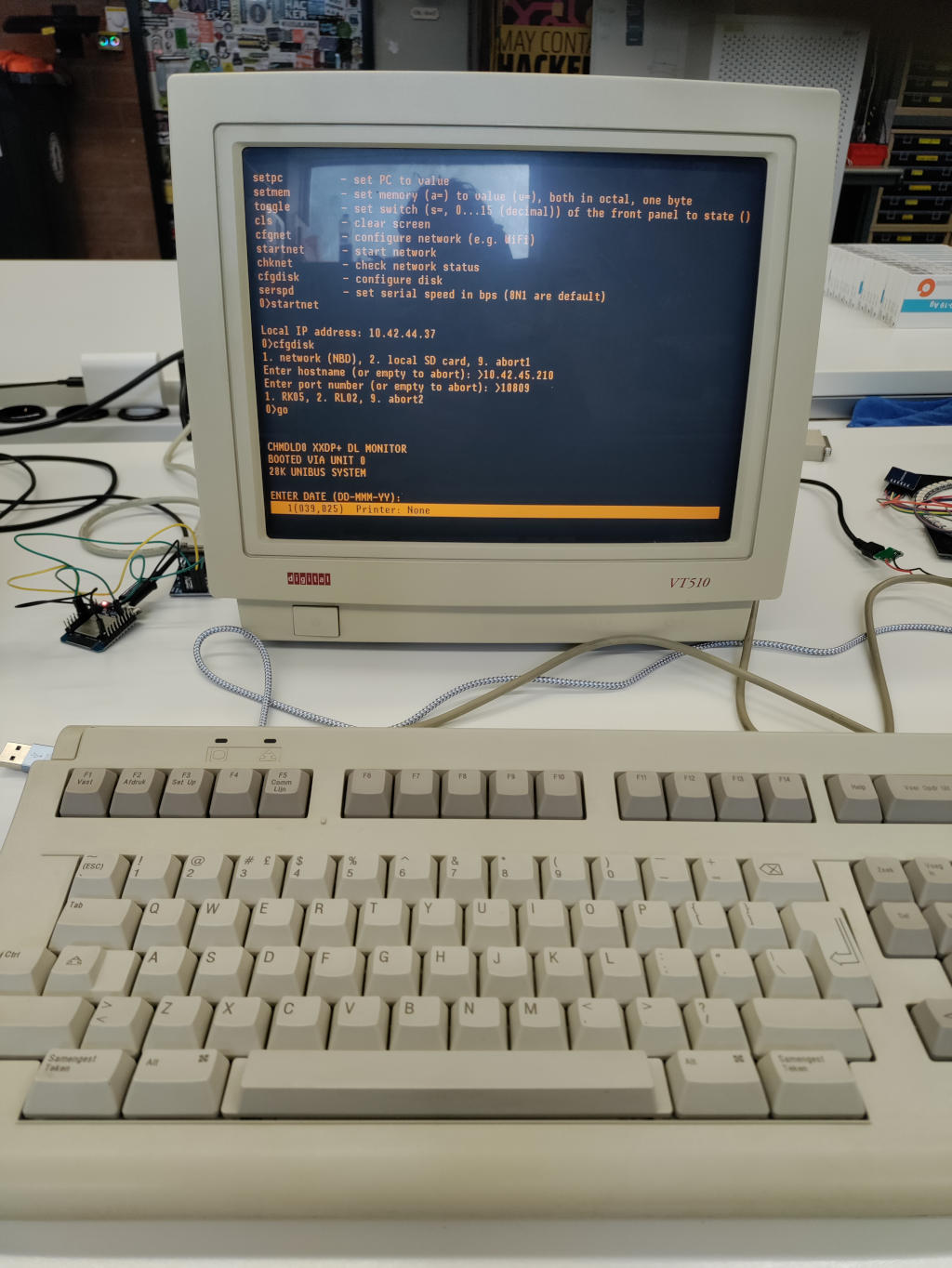
In this photo it (old version of kek) runs the XXDP diagnostics software. It booted over the network using the NBD protocol (this is a convenience feature of the emulator).
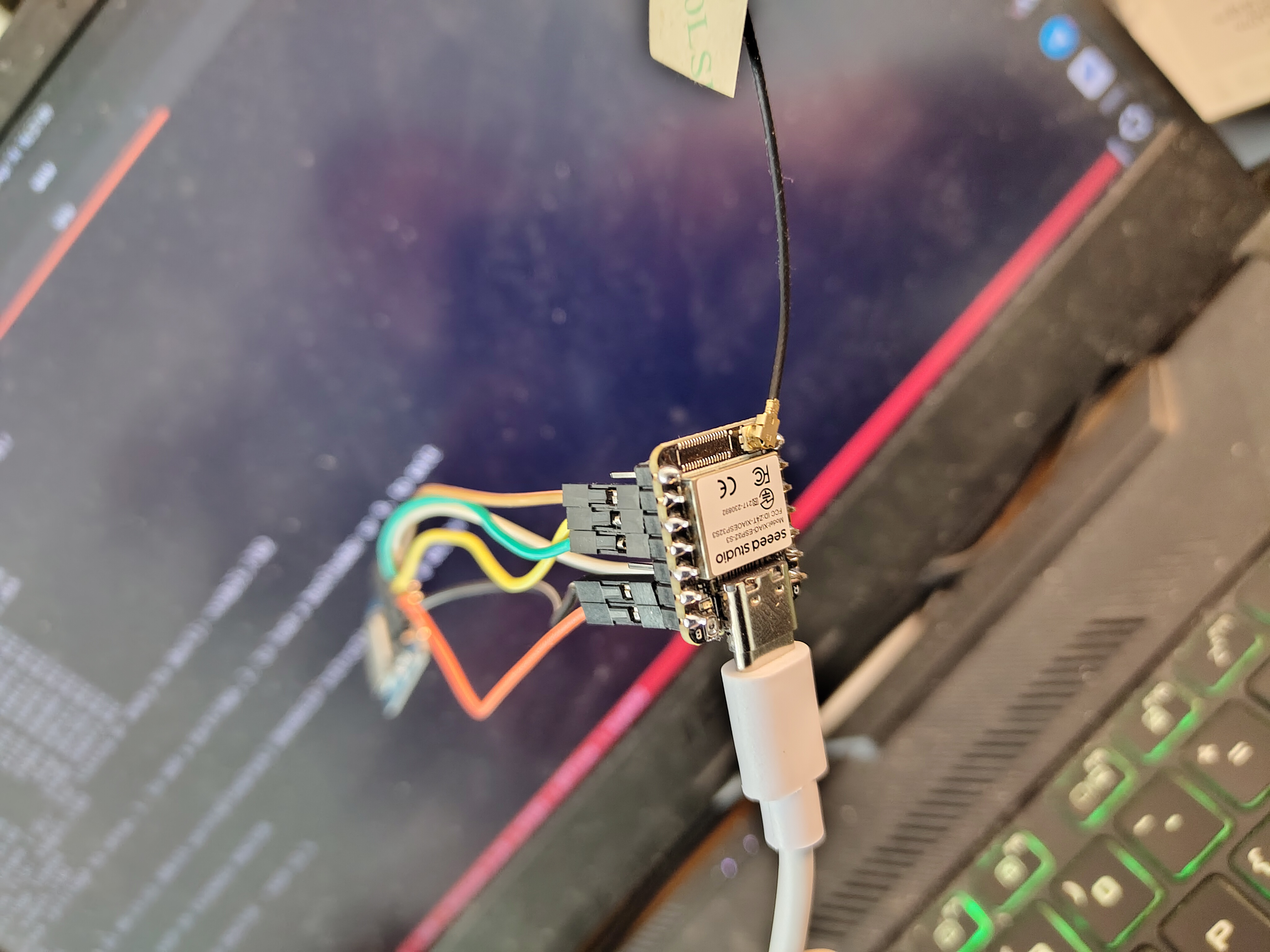
Picture on an ESP32S3 on which BSD 2.11 is running. Only the ESP though :-) This ESP32S3 has 4.3 MB of RAM (and 8 MB flash): more than enough to run a multi-user BSD setup.
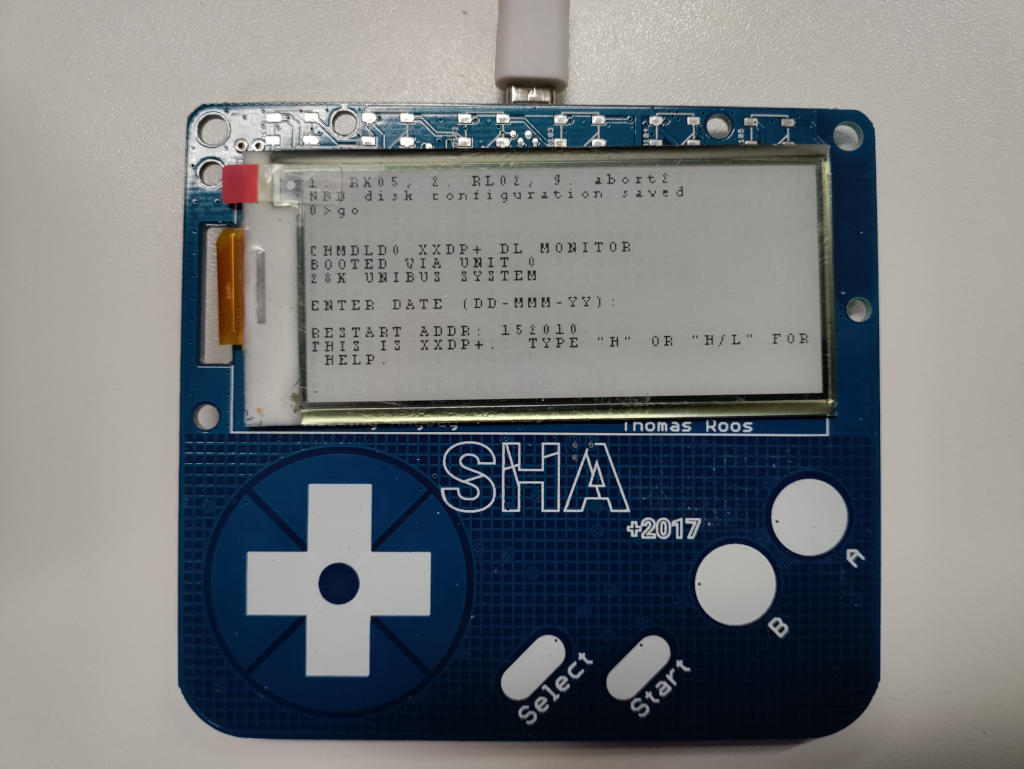
Also a 'SHA2017 badge' is capable of running this emulator:
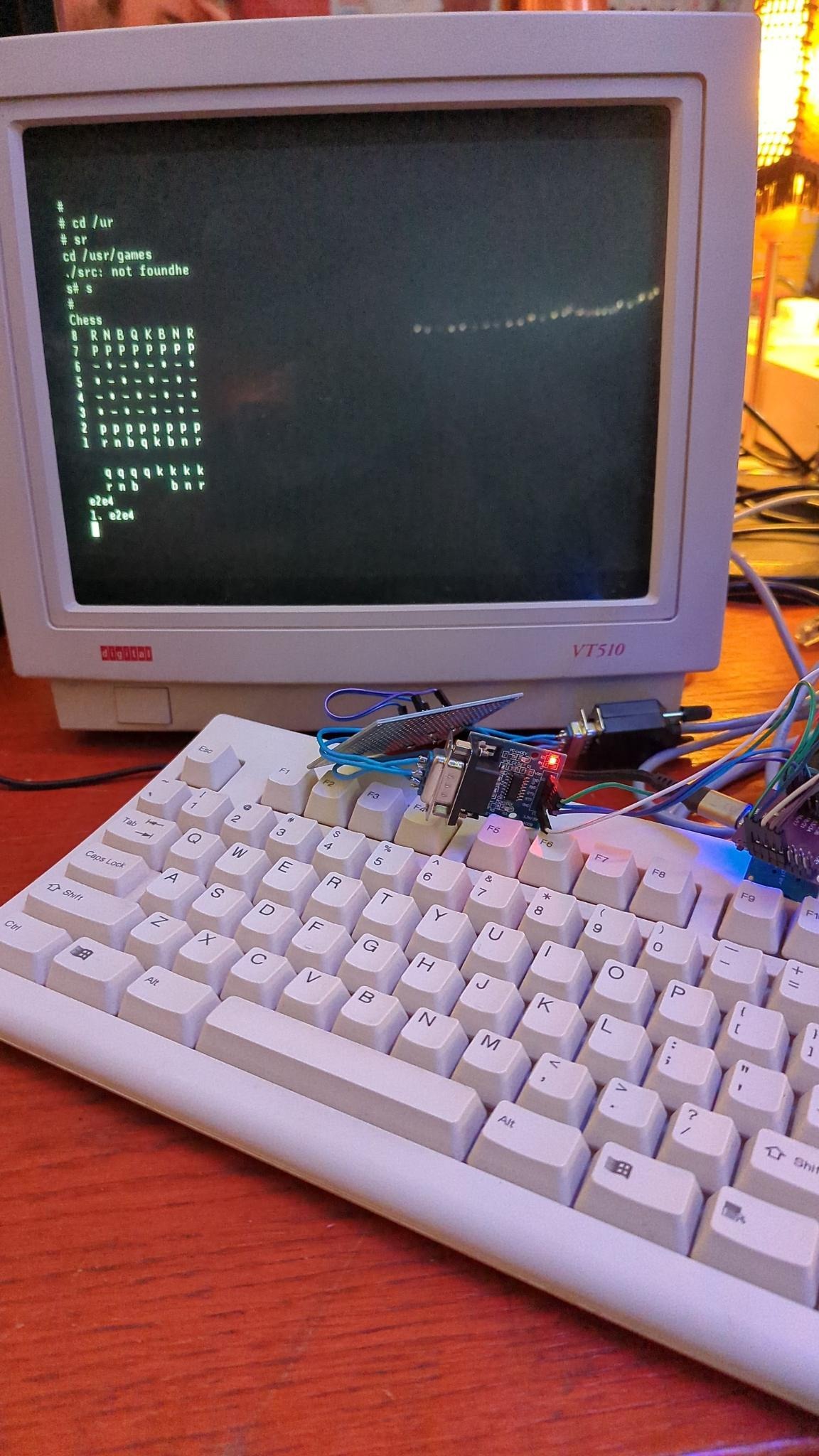
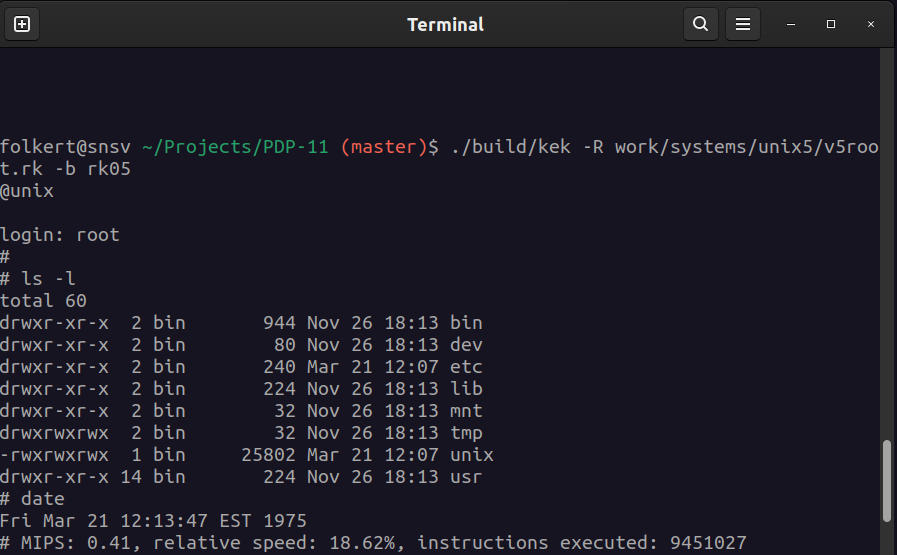
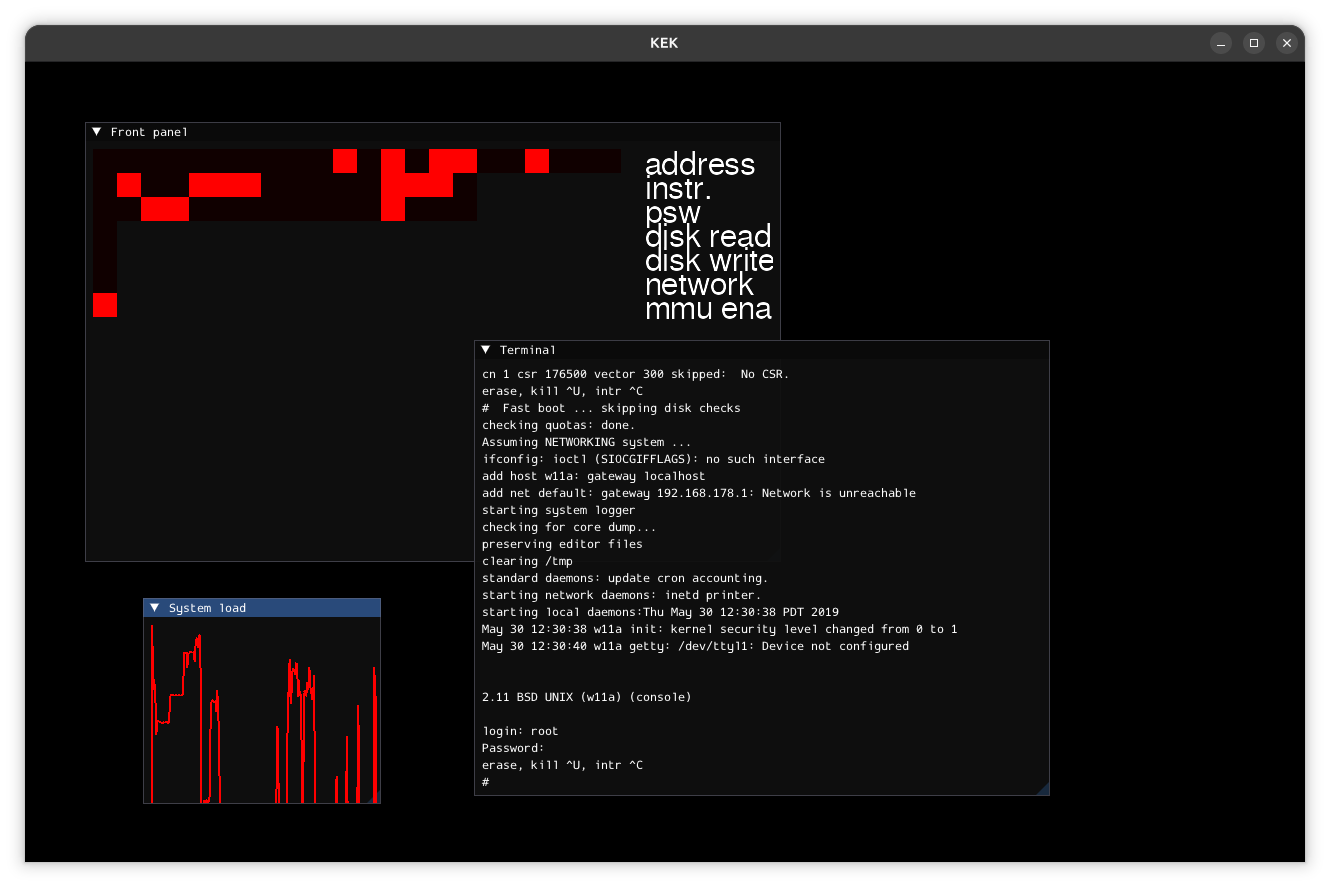
Running on Linux (also runs on *BSD, macos and microsoft windows systems):
May 13, 2026 brings a port to the RP2040 (Raspberry Pi Pico RP2040 microprocessor).
Since May 11, 2026 it is somewhat capable of emulating an Ethernet adapter (DEQNA). I implemented a very limited and simple HTTP-server for it. Things are reachable on http://pdp.komputilo.nl:8080/ (no ip6, no https) until it crashes.